Aslan Dukaev
ff29b5ca81
Update install.sh
Aslan Dukaev
ff29b5ca81
Update install.sh
|
%!s(int64=5) %!d(string=hai) anos | |
|---|---|---|
| scripts | %!s(int64=5) %!d(string=hai) anos | |
| README.md | %!s(int64=7) %!d(string=hai) anos | |
| check_ip.png | %!s(int64=7) %!d(string=hai) anos | |
| cover.svg | %!s(int64=7) %!d(string=hai) anos | |
| foxyproxy.png | %!s(int64=7) %!d(string=hai) anos | |
| screen.png | %!s(int64=7) %!d(string=hai) anos |


README.md
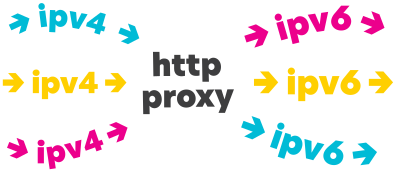
Redirect connections from different ports at one ipv4 address to unique random ipv6 address from \64 subnetwork. Based on 3proxy
Requirements
- Centos 7
- Ipv6 \64
Installation
Video tutorial, VPS from Vultr 50$ free used as Centos setup
bash <(curl -s "https://raw.githubusercontent.com/dukaev/ipv6_proxy/master/scripts/install.sh")After installation dowload the file
proxy.zip- File structure:
IP4:PORT:LOGIN:PASS - You can use this online util to change proxy format as you like
- File structure:
Test your proxy
Install FoxyProxy in Firefox
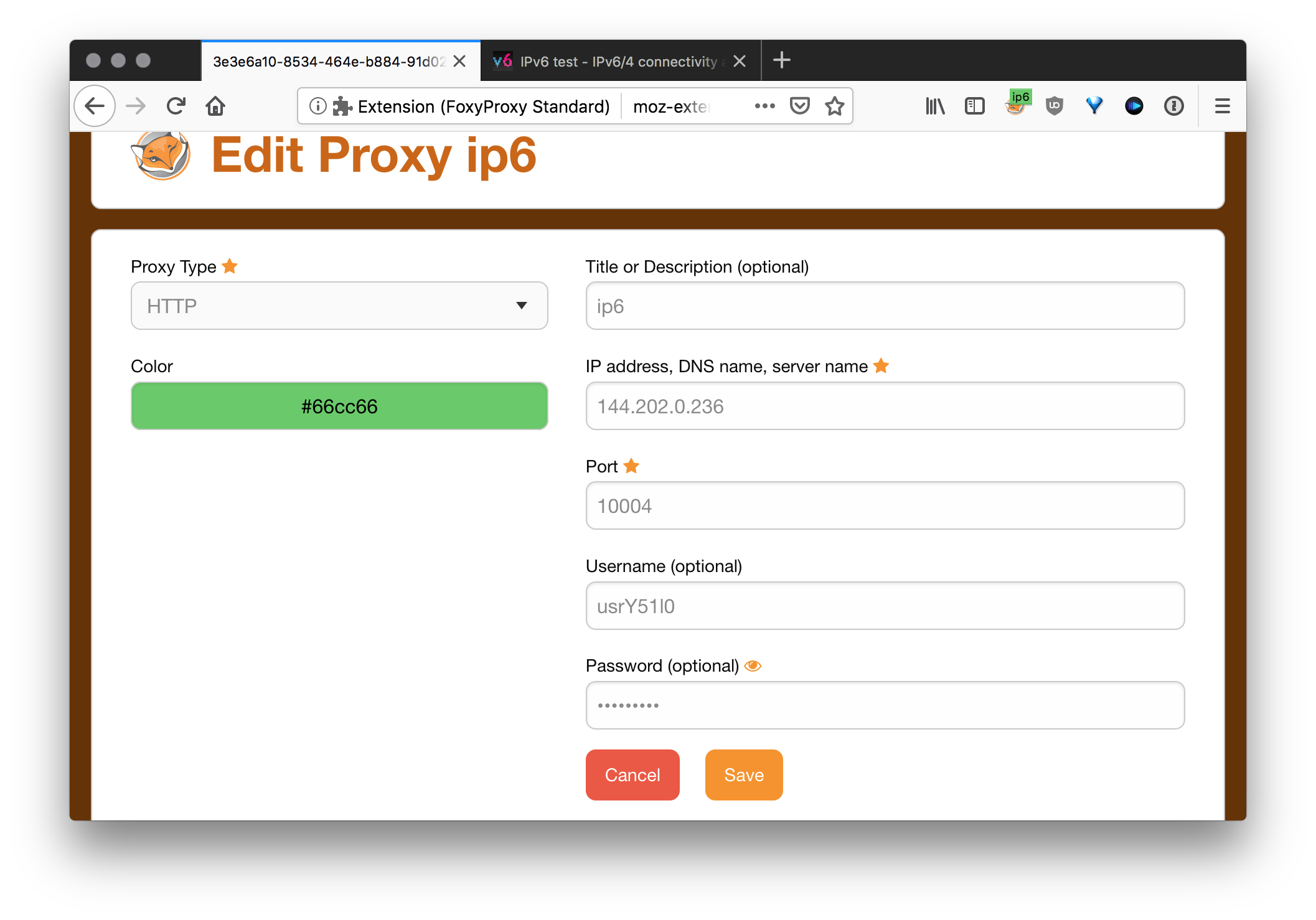
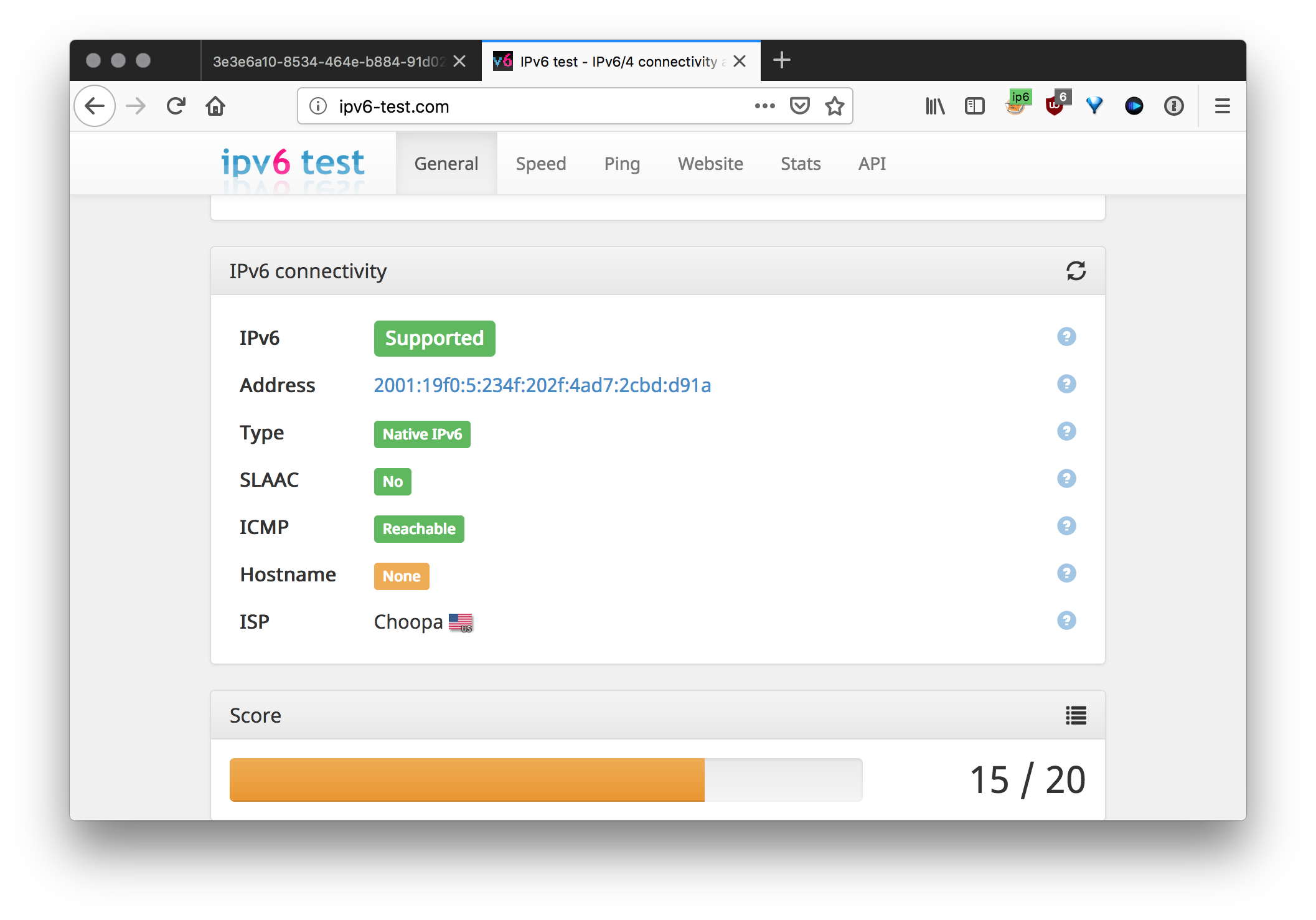
Open ipv6-test.com and check your connection